Subscriptions in Organizations - Article
Assign a subscription model to an organization for automatic management of recurring payments and enrollment
Subscriptions on organizational level is designed as a custom subscription model with a corporate target audience. This approach favors external landing pages and promotions, and support the requirement to have individual agreements with multiple partners. User sign-up and recurring payment is performed through the platform via invitations. This, in turn, allows individual conditions to partners and clients.
Administrators with access to organizations can enable subscription per organization on the first level in the hierarchy. Suborganizations cannot have their own separate subscription models.
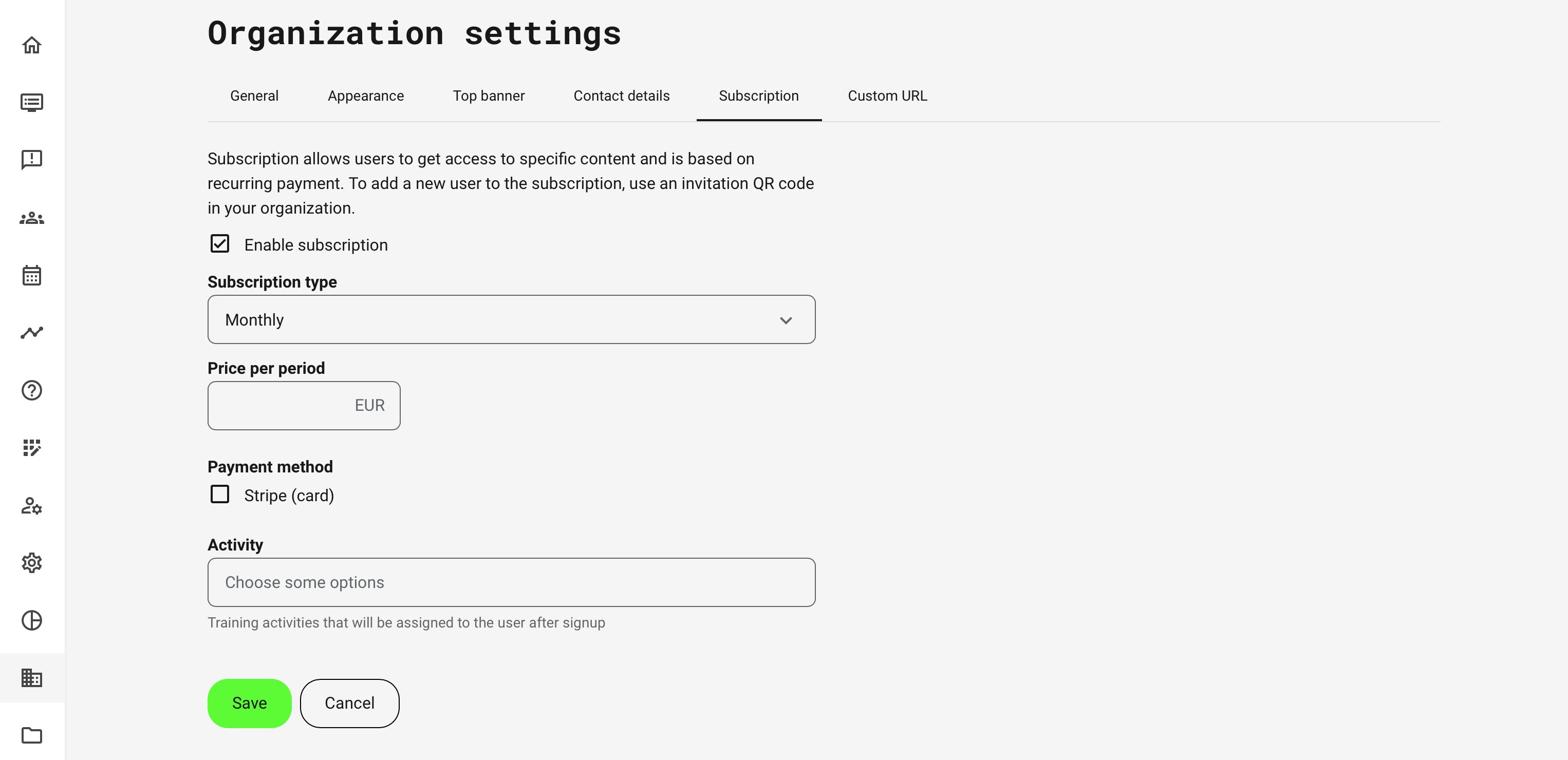
To set up a subscription model you need to have a Stripe account and configured this payment method in the commerce section of the platform.
- Define the if the payment is monthly or annual and the price.
- The payment is always charged in the default currency set on the platform.
- VAT is set according to the configurations set per country in commerce settings. There is no individual VAT calculation on different types of training activities offered through the subscription.
- Add the Training Activities the subscriber is enrolled to, upon completing the payment with a credit card.
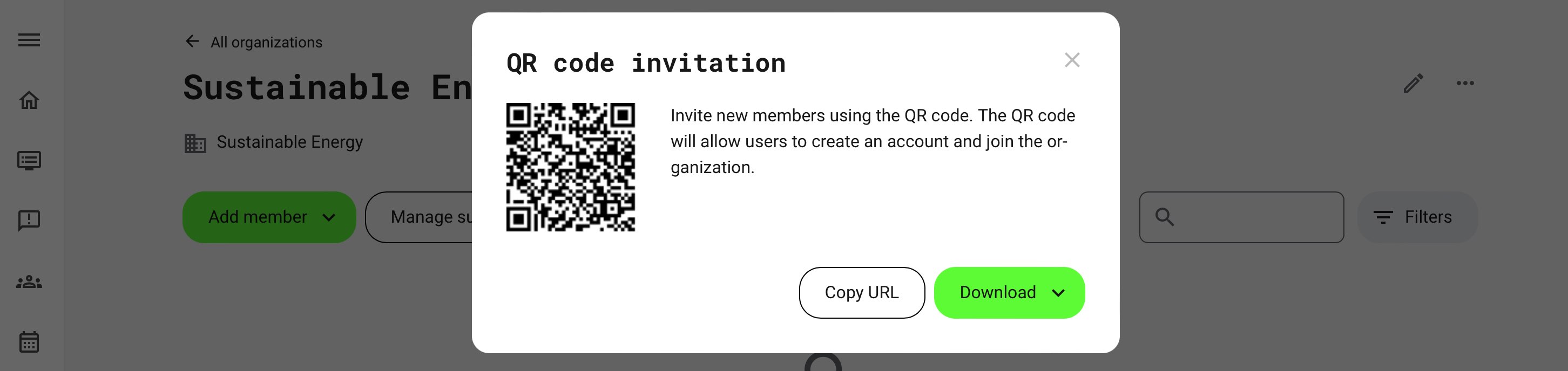
Organization invite to subscription
Use the QR code for the individual organization to get the link to your landing pages and actions. Following this link will redirect registered users to the subscription page, while unregistered users will need to sign up or login first.
- Prospects can exist the subscription flow without completing the transaction.
- Users would still be added to the organization and be continuously prompted to complete payment.
- Any onboarding content and previously acquired training activities will be available in either case.
- Users can be part of multiple organizations.
New subscriber
New subscribers will be taken through the user sign up flow, email verification of new accounts and password creation.
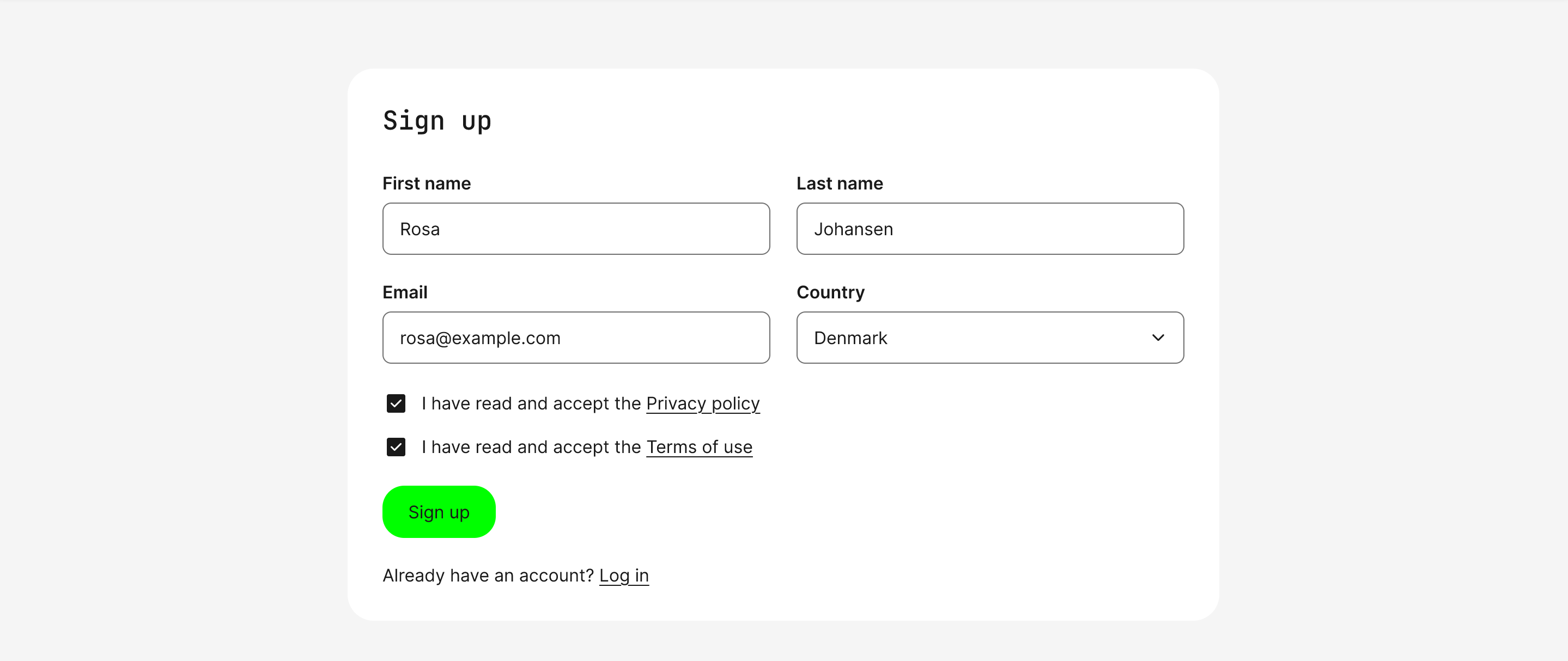
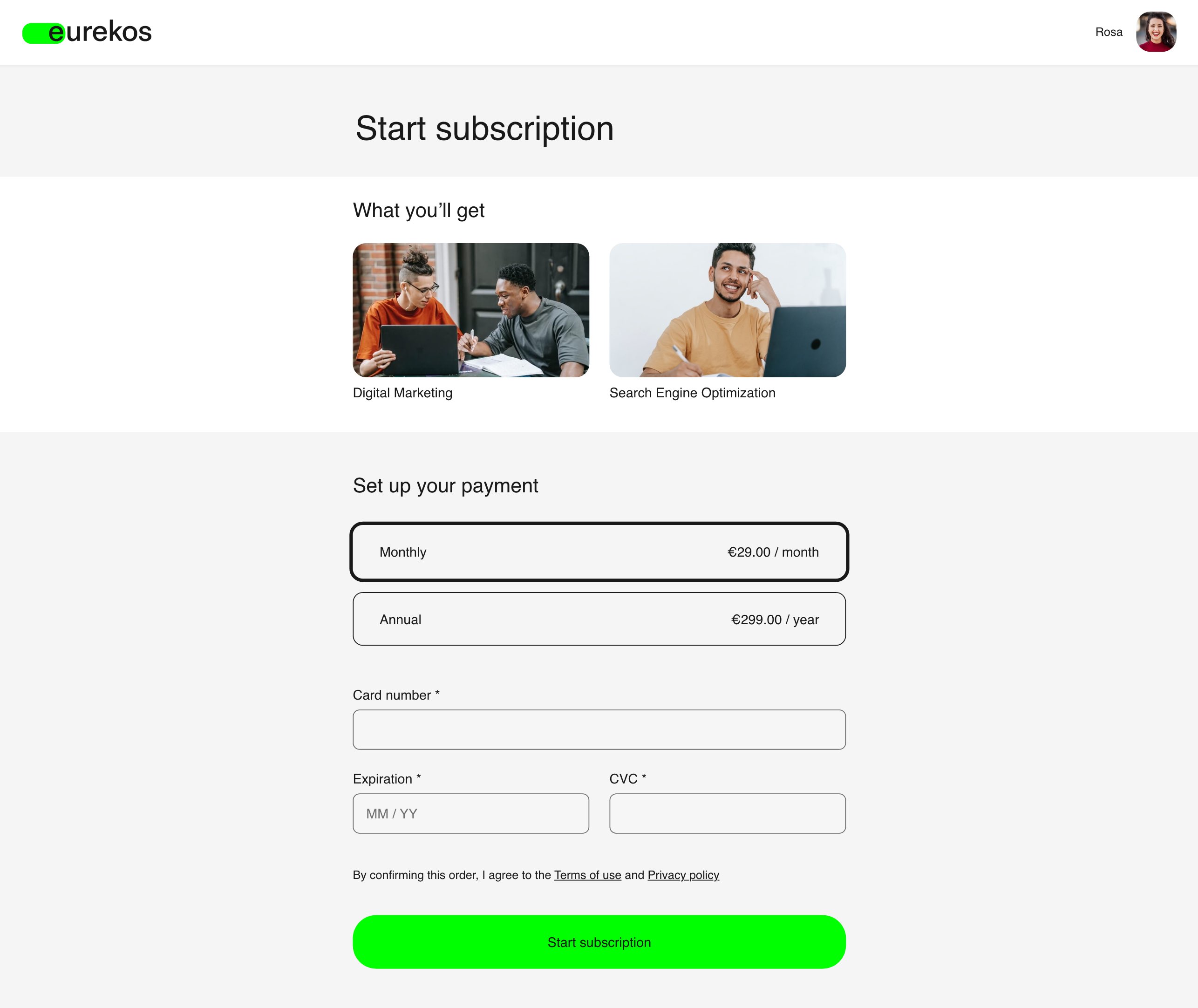
Upon successful sign-up, the registered user will be presented to the next step in the flow, which is confirmation and payment.
- The subscription offerings are presented, represented by the training activities included on the configuration.
- Payment schedule, price and VAT is presented, as configured.
- Payment details and credit card information is validated real-time via the Stripe API.
- Terms of use and Privacy policy are repeated, even though these have already been accepted.
After successful payment, the user is added to all current and new activities from the subscription are presented on the home screen.
- Confirmation messages on screen, and email with invoice are automatically sent out.
- Invoice details is configured in the commerce section.

Subscription renewal
Once the subscription period is over, the user’s card connected when starting subscriptions will be charged again. Please note that no credit card information is stored on the platform.
- If the payment is not processed due to any reason - e.g., insufficient balance, expired card, etc., the user will receive an email that the subscription has failed.
- From this email, the subscriber will be redirected to a form where he can make a payment manually and/or connect another card.
- Another reason could be that the Stripe account you have connected, has changed. In this case the subscriber will be requested to go and update payment details.
Cancellation of a subscription
After a failed payment user has a set period to renew.
- If subscription is not renewed within the defined period, it will be cancelled.
- Activities provided through the subscription, will be inaccessible. If the subscription is completed at a later stage, historical data and progress will be restored.
- Cancellation of the subscription can be performed from the profile page of the user.
Postponing subscription expiration
Administrators can postpone a cancellation for a subscriber, but only in case the payment has failed and within one billing period. E.g., for a monthly subscription it is not possible to postpone it for 2 months.
- The action is available on the transaction page.
- If the current subscription cancellation date is 7th of May 2023 and the administrator postpones it to 9th of May 2023, the user will be able to see the failed payment until this date and must complete payment within the time frame. Otherwise, the subscription will be cancelled.