QR code invitation - Article
Invite users to organizations via QR codes. With sign-up enabled, users scan, register, and are added automatically—optionally triggering onboarding rules. QR codes can be downloaded in bulk or per organization.
Updated: 2 Mar 2026
1 min read
Invite to organizations through QR codes
Some uses call for special invitation via a QR code. For this feature to be available, sign up must be enabled on the platform. An example can be QR codes on products, service information and similar scenarios. This can be combined with onboarding rules where new users get access to a number of trainings and offers simply by being identified correctly.

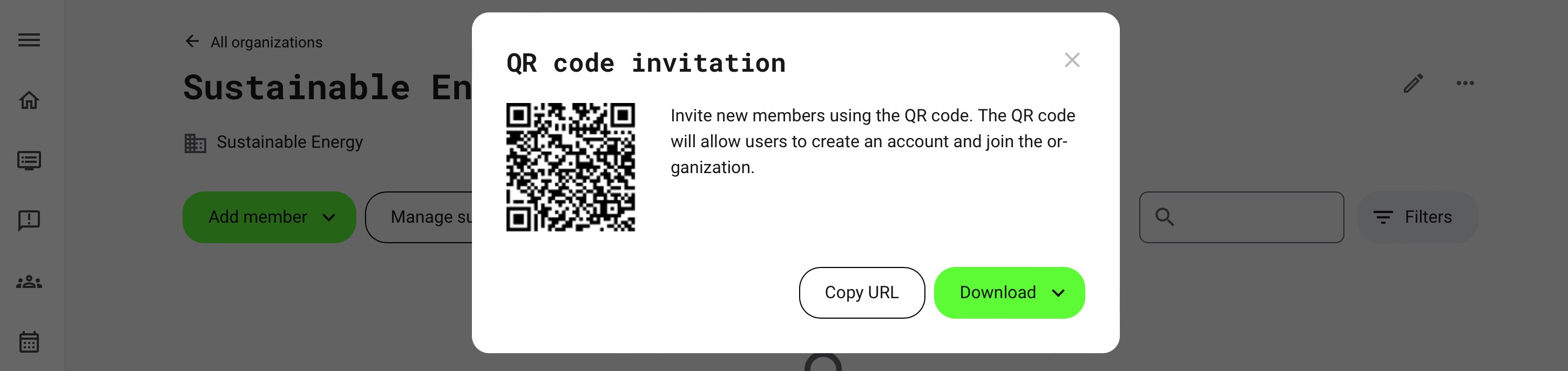
Once the user accesses the QR code, this will present the already configured sign up form and the user can register directly.
- On the list of organizations, the Global Administrators and Platform Administrators can download QR codes as a bulk operation. The QR codes will have the name of the organization displayed as part of the code and they will be located in a download folder on your computer.
- Alternatively, get the individual invitation QR code on the 3 dot menu inside each organization. This provides additional options for getting the link, rather than the QR code.