H5P interactions - Article
Use the H5P interactive learning tools directly on your course pages to engage
Create, upload and manage your interative elements. H5P is a specialized toolset for creating, sharing and reusing interactive learning tools. This is where you create interactive videos, quizzes and other rich experiences.
You must have an interactive object created, prior to inserting it on a page. If you don't have anything to choose from, this is the reason.
Once you click the Plus icon in page edit mode, you can choose to insert an Interactions widget. This object you can select is from the H5P archive.
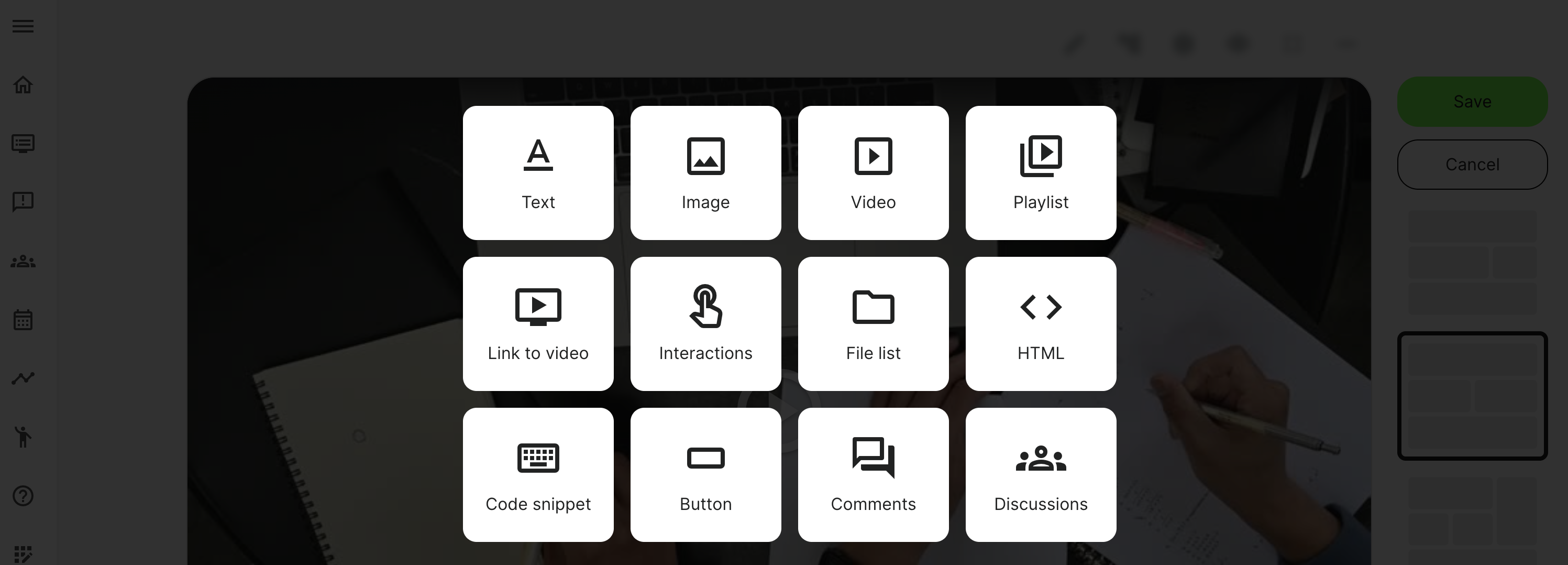
Insert an interactive learning object
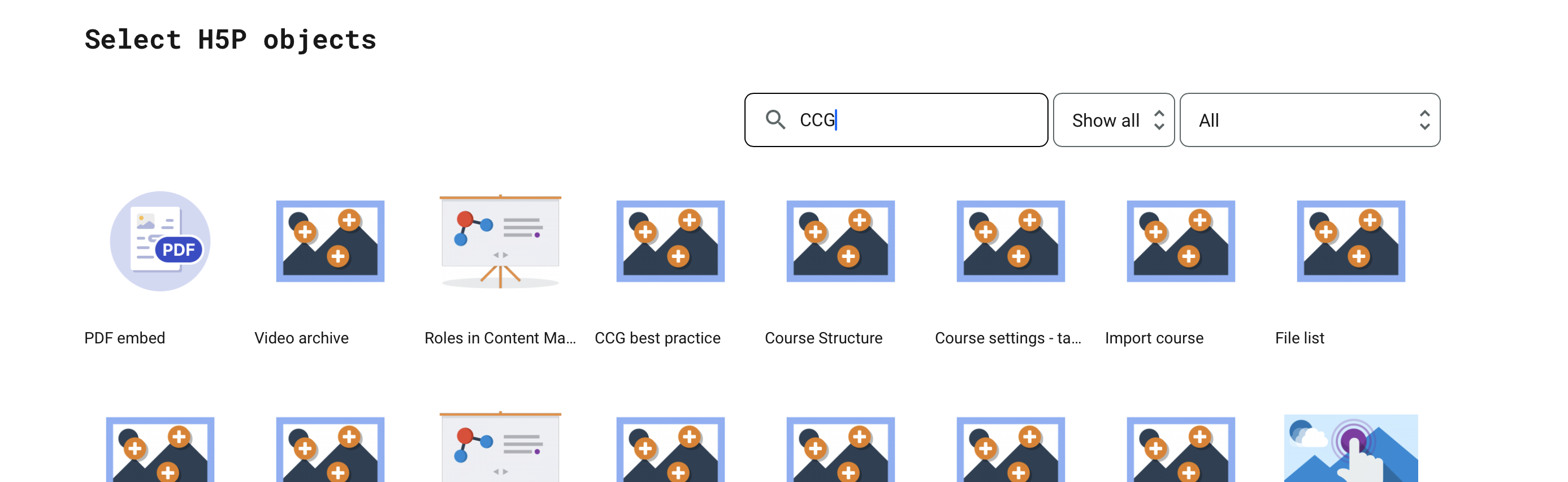
The archive showing all the objects that have been created and are available to you. Choose the one you are looking for and click to insert it, on the page.
- You can search for title and also the course code (ID), which is unique and will show you all the objects that have been used in a specific course.
- You can tilter on specific types - e.g., all "course presentation" type objects, etc.
- Show all or just the ones you have created and you are the author of.
Creating an H5P interactive learning object
Creating interactive learning objects typically take a little time and preparation and they are not created while you are inserting one one a page. Compare this to a video, this is also created, uploaded and then insert on a course page, as part of your materials.
Read more in the article on the H5P archive - interactive learning objects.