Button - Article
Add styled action buttons to course pages without coding, linking to URLs, files, or email contacts — with flexible alignment, color, and size options to highlight key actions.
Updated: 2 Mar 2026
2 min read
Insert action buttons on course pages
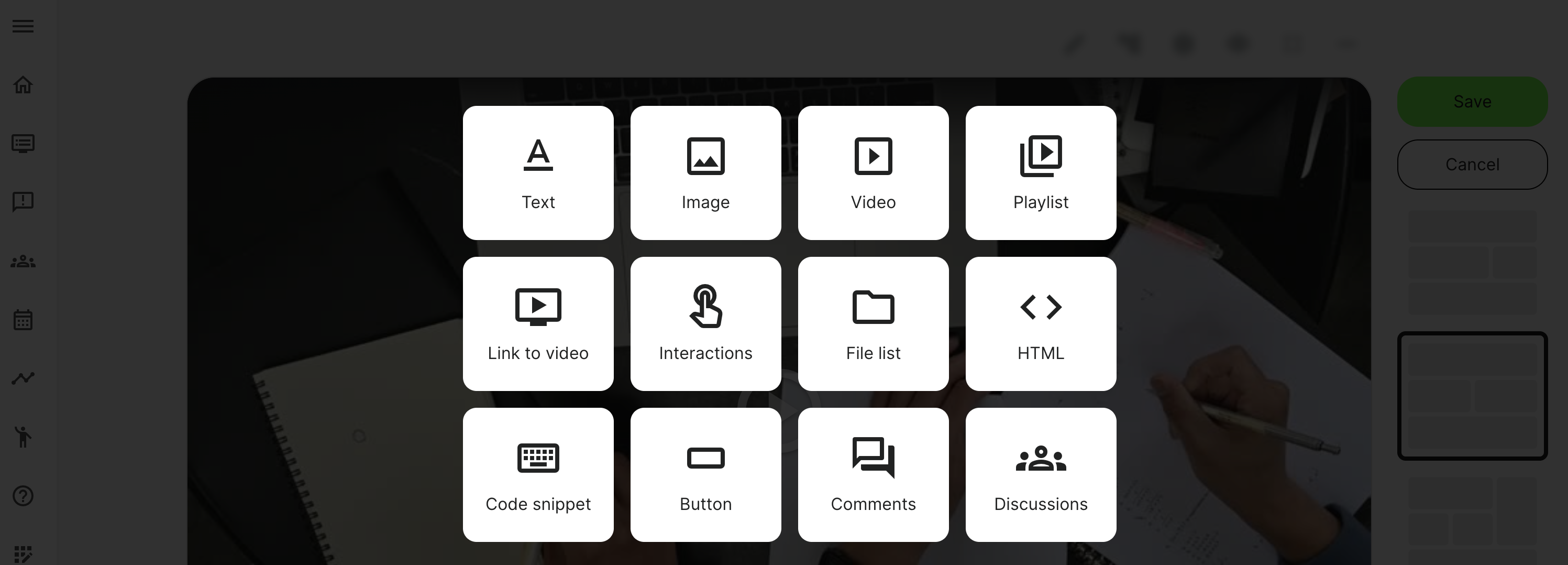
Create simple buttons without coding HTML or images. Buttons can be useful for bringing attention to a download or an action. Once you click the Plus icon in page edit mode, you can choose to insert a Button.
- The button will be automatically styled as all other buttons in the visual interface.
- You can create a link, mailto and link to a document.
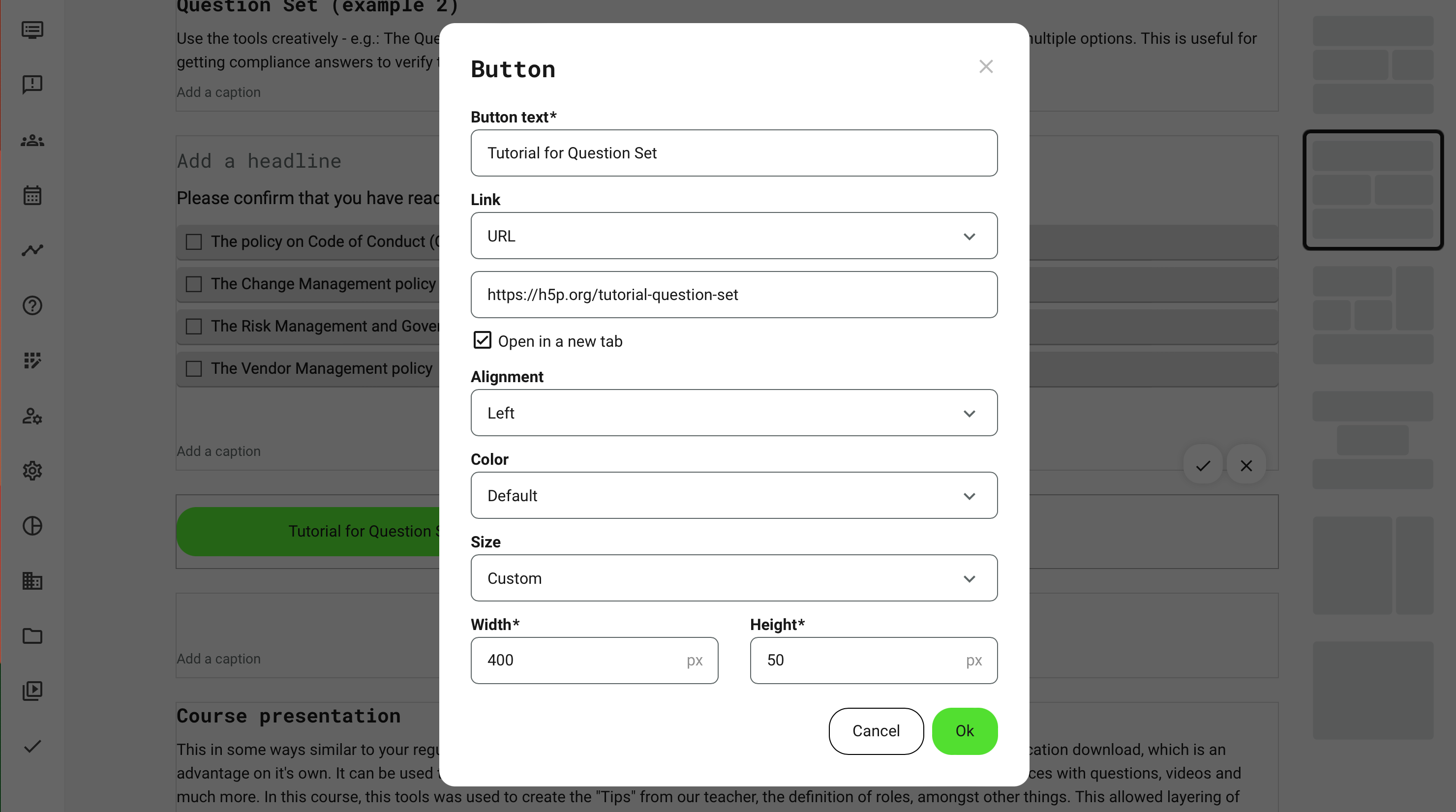
- Button text is the title on on the button.
- Link types are the actions when the button is clicked:
- URL to link to another web page and define whether it should open in a new tab in the browser.
- File to select a file from the archive. When clicked this will either download or open directly in a new tab. This depends on the type of file being linked to and also somewhat depending on the browser of the user. PDF files will open directly, as they can be viewed by most browsers. Many other files will save, as they require an application to open them, e.g., Word or PowerPoint.
- Email to provide an email contact. This will open the default email application of the user.
- Alignment is the positioning of the button in the column. 4 options are available:
- Left, right and center. These are obvious choices and can match other visual design decisions the button should relate to.
- Justify, adjusts to the width of the column and centers the text within. This will make the button very balanced to the context, as well as prominent.
- Color is default set to the primary color of buttons. However, custom will allow you to change the background color of the button and the color of the text.
- Size is set to the default size of every other button on the interface. However, you can choose small, medium, large and even customize a witdth/height in pixels. This will impact the overall size of the button, should you want more margin to either side.