Code snippet - Article
Insert formatted code snippets directly on course pages, supporting 40+ languages with responsive display and easy copy-paste — no need for static images or external tools.
Updated: 2 Mar 2026
1 min read
Skip cumbersome image creations for code scripts and create code snippets with formatting directly on course pages
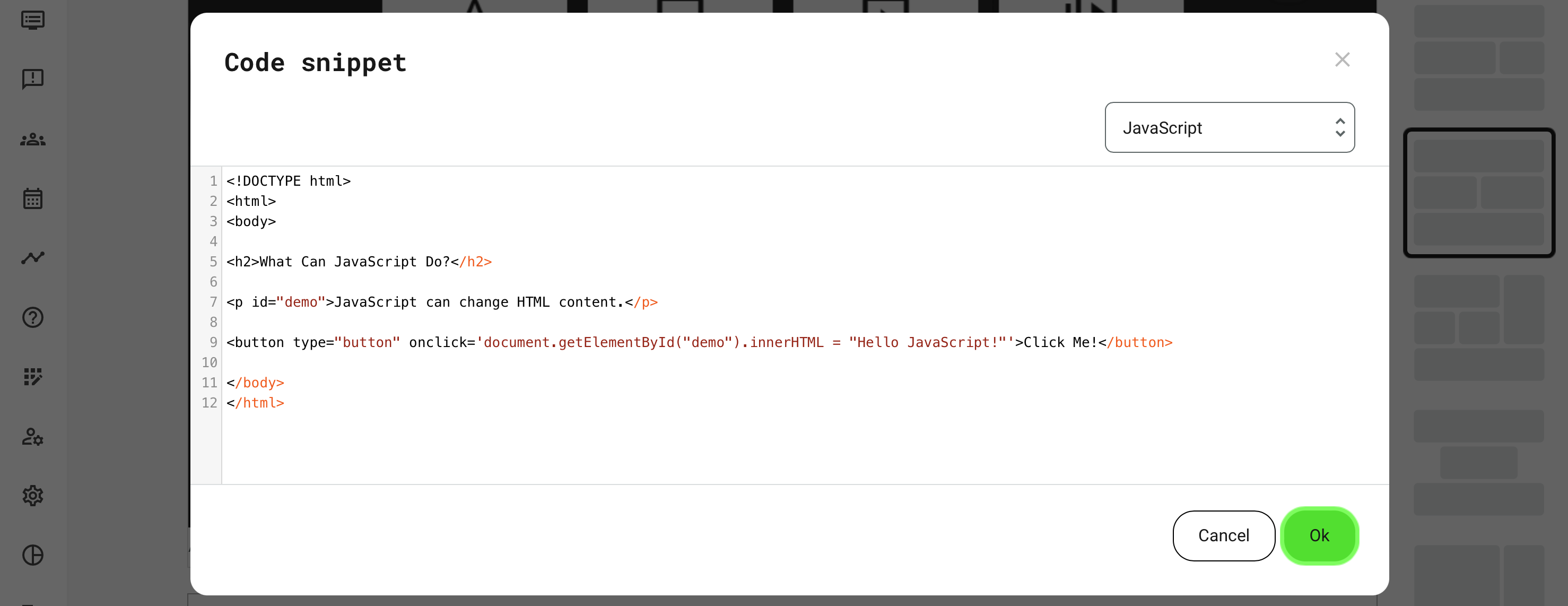
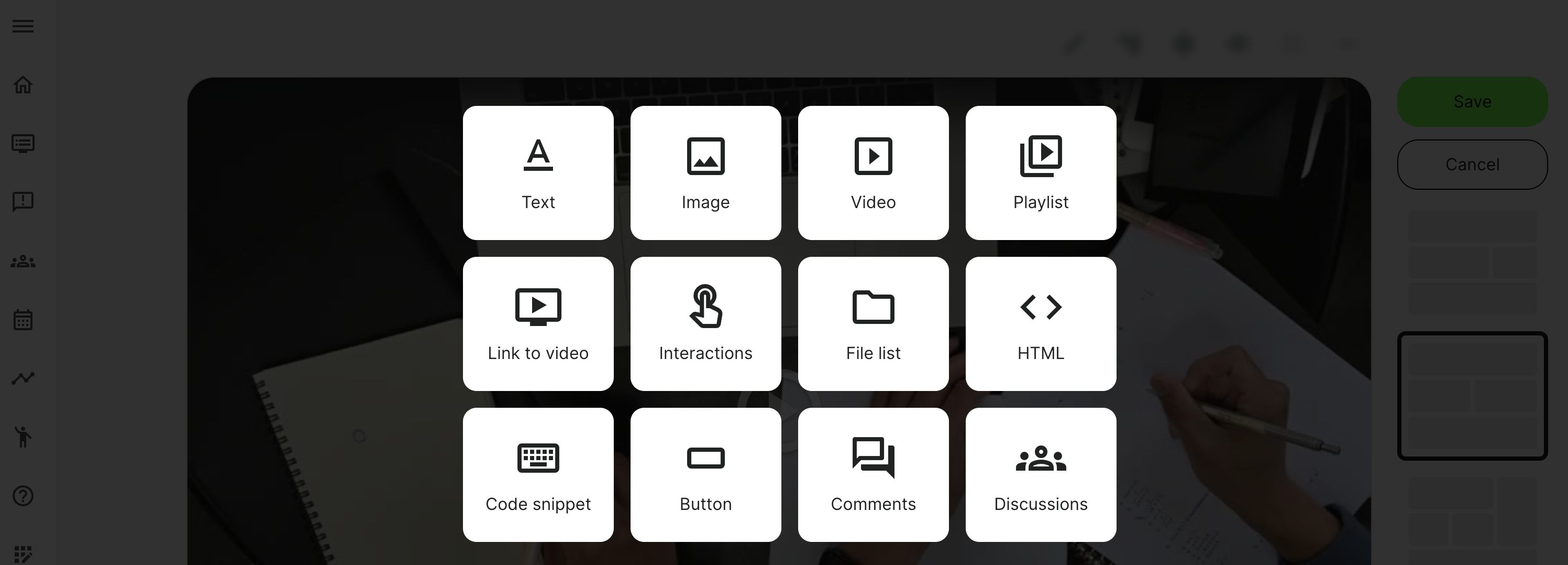
If you need to document a script, the code snippet is a convenient way to show correctly formatted examples. Once you click the Plus icon in page edit mode, you can choose to insert a Code snippet.
- Show formatting in more than 40 coding languages.
- Adapts appropriately to column and screen size.
- Can be copied directly into another tool.
- Choose your coding language, write or paste in your code. It has a fixed size and can be scrolled if the code example is massive.
- Once on the page, users can drag to select and copy/paste, as you would expect.