Videos and playlists - Article
Deliver videos and playlists using the native global streaming service, insert content from the video archive, and provide secure, high-performance playback with subtitles and adaptive quality.
Updated: 2 Mar 2026
2 min read
Use the blazing fast native global video streaming service to deliver videos and playlists
The native video streaming service covers the globe and is your preferred option, if you have the videos and can upload them to video archive. Secure and no commercials. Use Playlists when you would like to combine some videos into a thematic series or logical narration.
Once you click the Plus icon in page edit mode, you can choose to insert a Video or Playlist widget. The video is from the video archive.
- Upload videos to the video archive to ensure global streaming.
- Bit-rate detection chooses the best quality for the recipient.
- Ease-of-use features, incl. subtitles (captions), slides, automatic translation options.
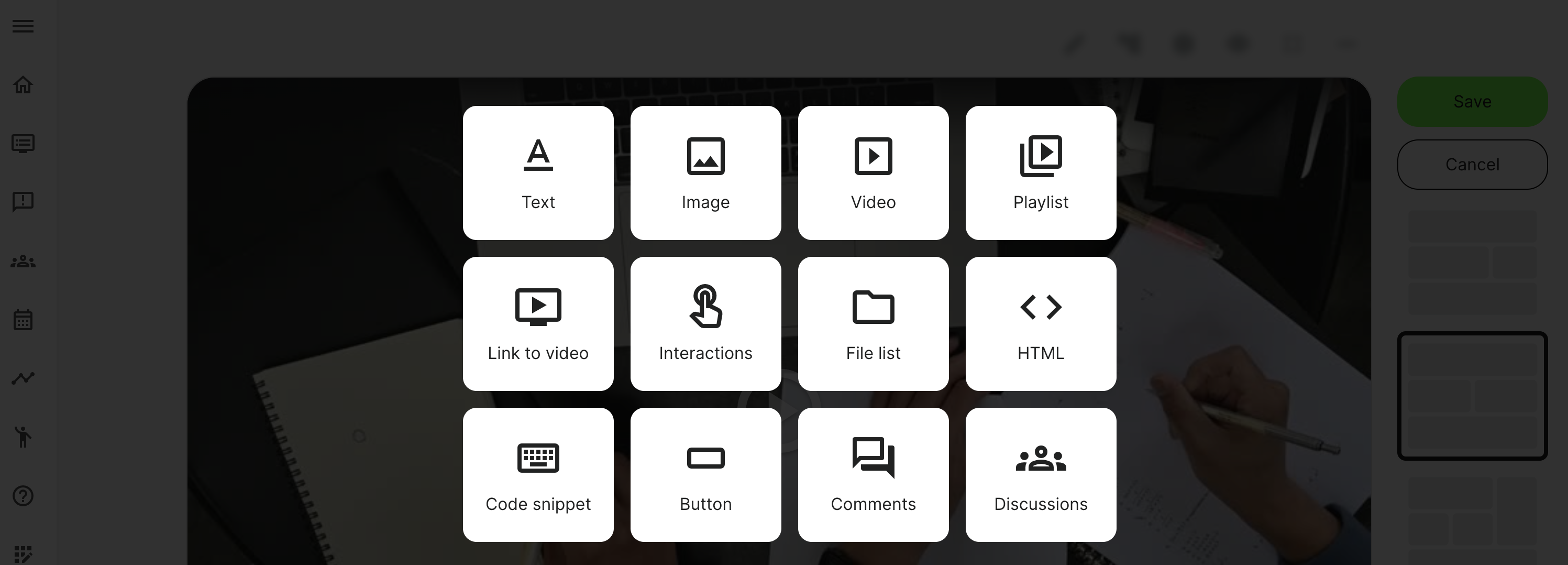
Insert a video or playlist
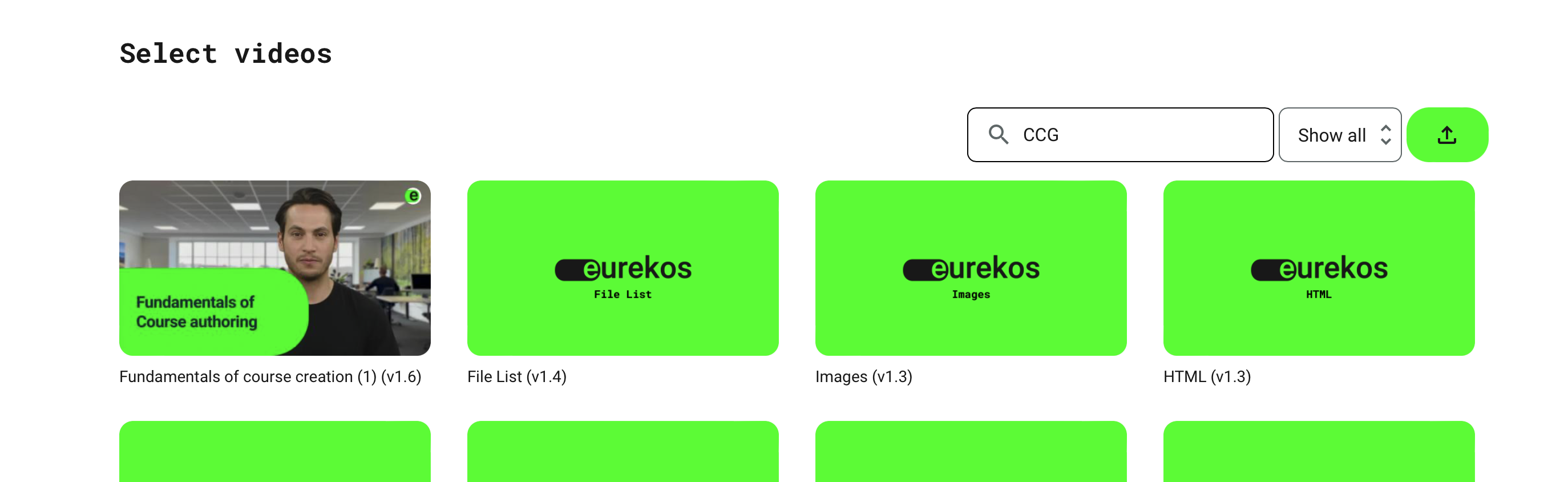
The archive showing all the videos or playlist that have been uploaded and are available to you. Choose the one you are looking for and click to insert it, on the page.
- You can search for title and also the course code (ID), which is unique and will show you all the objects that have been used in a specific course.
- Show all or just the ones you have created and you are the author of.
- You can upload a video on-the-fly, if this is something you have ready. Please note that you cannot close the window until it completes the upload and notifies you. Otherwise, the video will be incomplete. Consider uploading it to the video archive separately, if it is a long video.