Locations - Article
Facilitate in-person events with location information
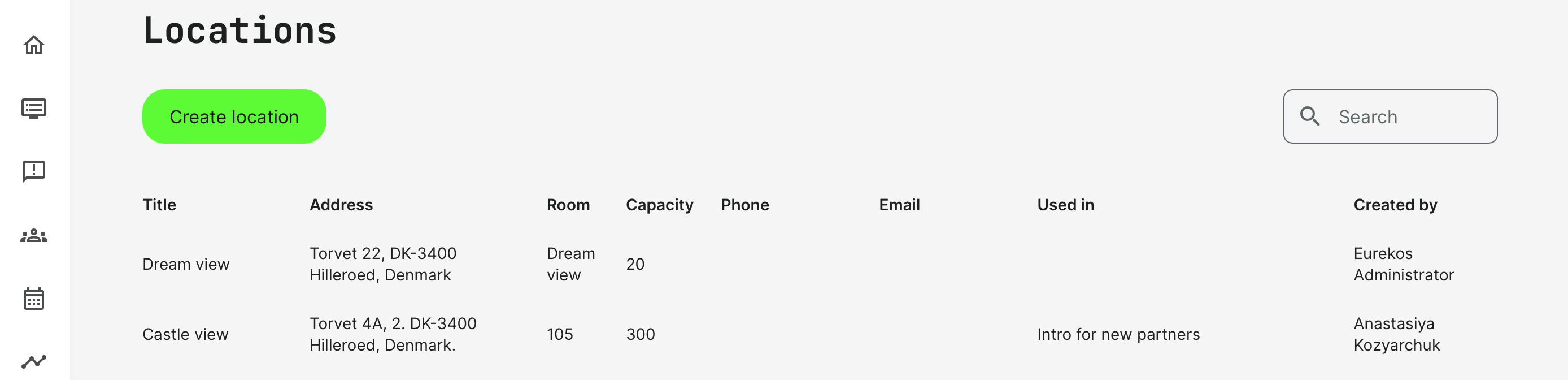
Add location information for in-person training offered as both learning journeys and single events. The difference is the capability to provide several different locations for more complex scenarios, such as conferences, multiple tracks and splitting groups.
- You can provide single location information on single events.
- You can provide multiple-location information for a learning path and for conferences, etc.
- Location information is detailed at the landing pages, prior enrolling when your offerings are available through the store front.
Create a location
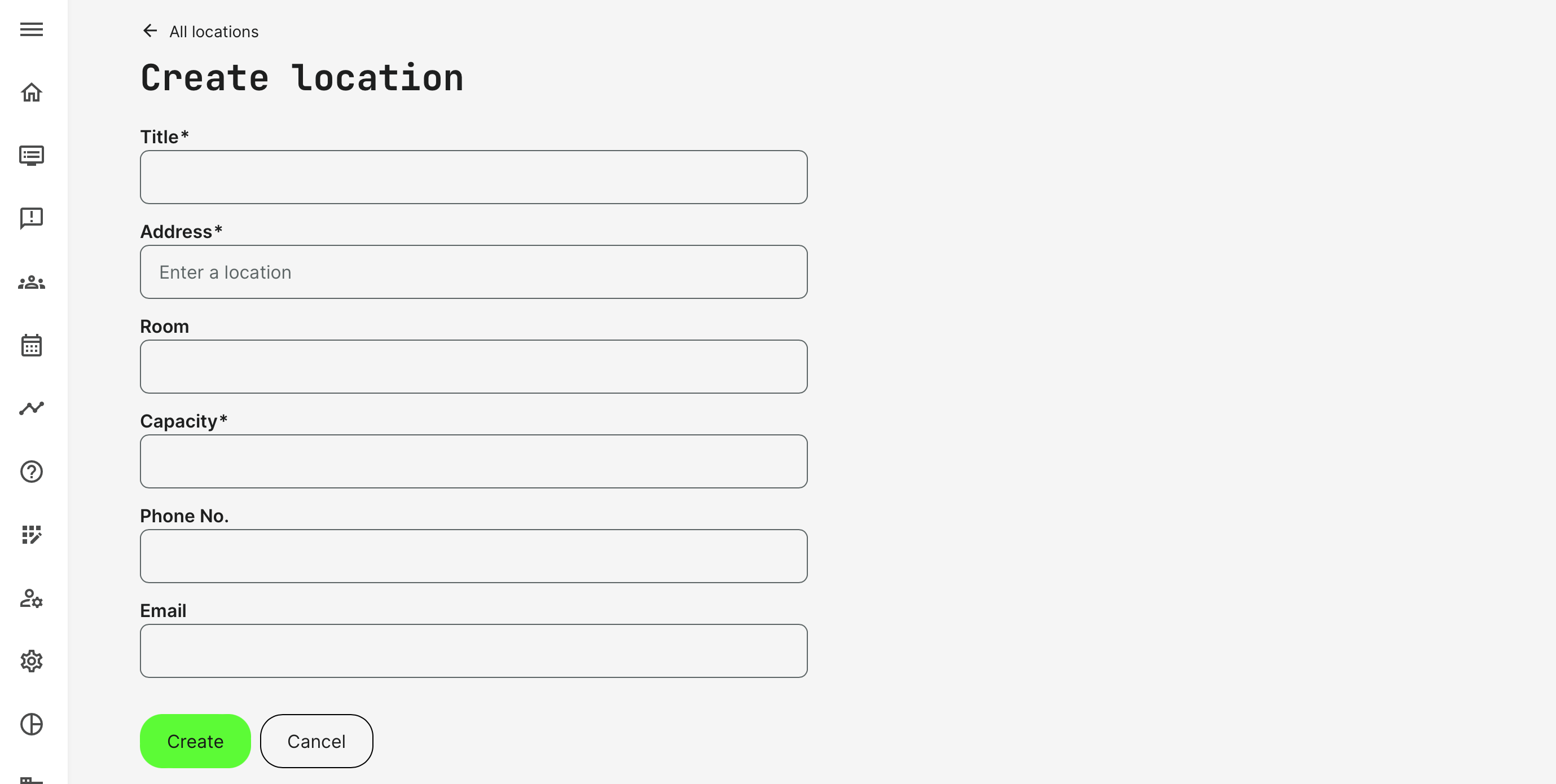
Locations are created by completing a few mandatory fields, which is also shown on the confirmation of enrollment to participants, on the calendar event details and provides the ability to download the information to own calendars, once registered on an activity with location information.
- Title of the location.
- Address of the location in unspecified format.
- Name of the Room. Multiple
- Capacity of the room. How many people can this support.
- Phone No. - in case a participant would want to contact the location directly. This would be visible on the confirmation of enrollment.
- Email - in case there is a need to write an update to the location. This would be visible on the confirmation of enrollment.
Google maps
If Google maps have been integrated through the integration options, a map would also show next to the location info. This would accompany the confirmation of enrollment, sent to participants.
Connecting locations to Training Activities
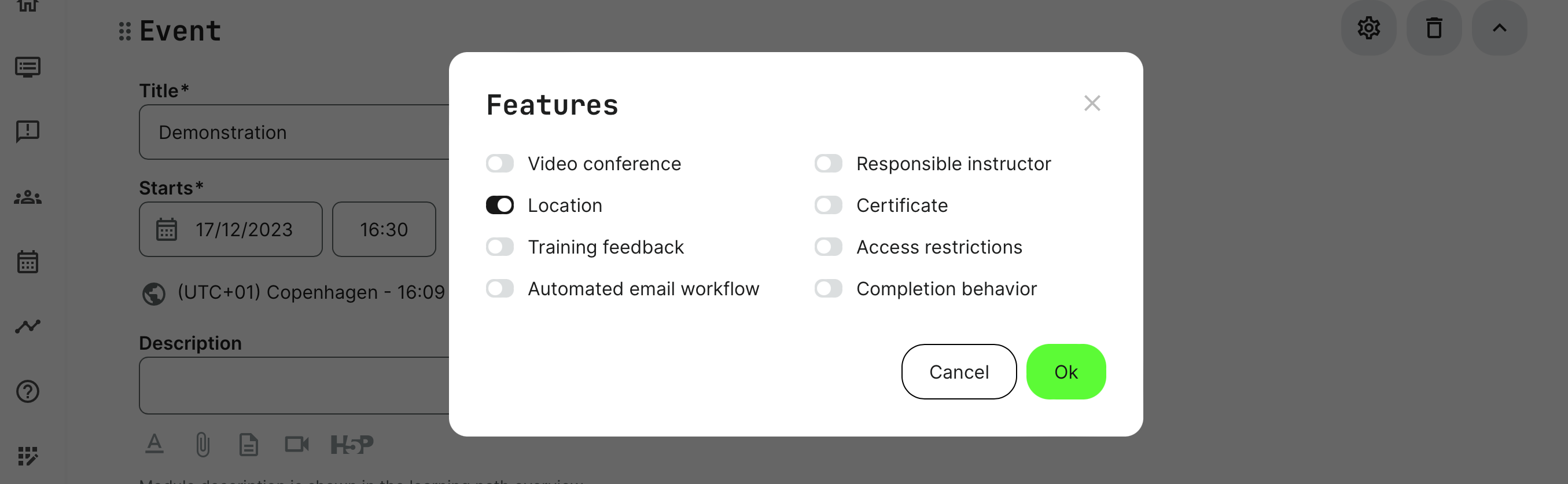
When adding a an event, you can also set the location of the event. This is set per event module through Features.
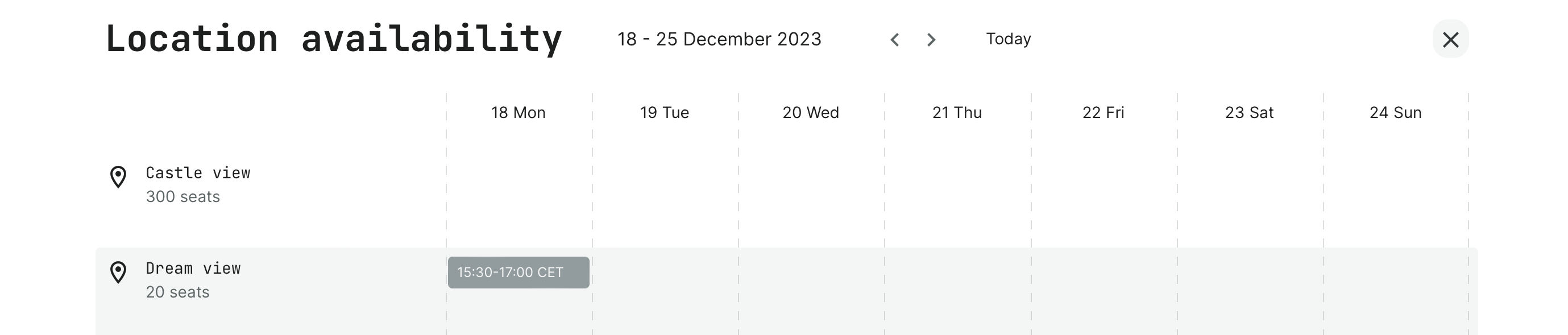
Once the location is set, it is also possible to check the availability of the room at the designated time from the creation form.
- Capacity of the room will be compared to any seat restrictions that has been set on the activity. It will not be possible to connect rooms with less capacity than the seat restriction indicates.
- Availability will provide a warning, if the location is already booked in this intercal. The administrator will have the choice to book and overrule, but by decisive action.