Transactions - Article
Transactions across every enrollment to activities, with our without payments and additional products
Any enrollment activity on the platform represents a transaction. Even if it is free. This includes information on payments through 3rd party payment gates such as Stripe and PayPal and status of the transaction, in case there is need for support.
Important: No credit card information is available on the platform anywhere. This is all managed on the integrated payment gates, no matter which one it concerns.
Payment gates are integration options, if used and are fully configured and owned by your own organization. There are no micro-payments involved as far a Eurekos is concerned.
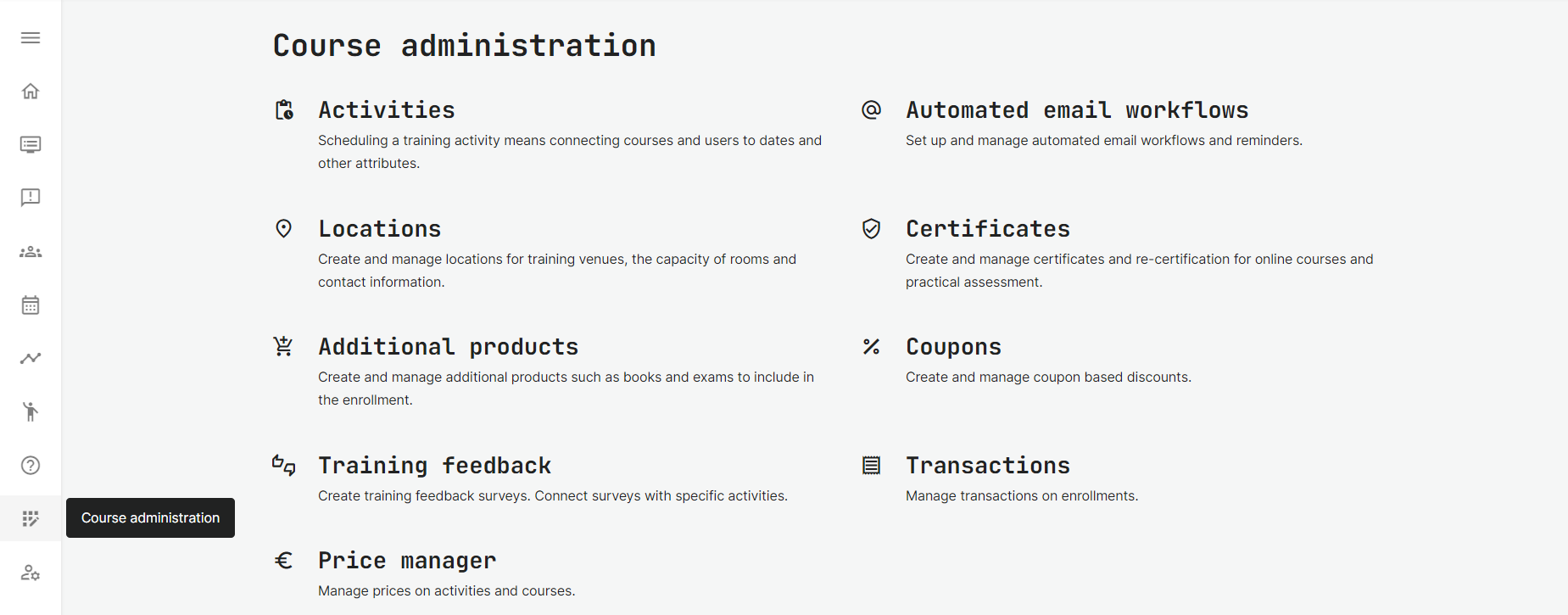
You can manage transaction in Course Administration → Transactions.
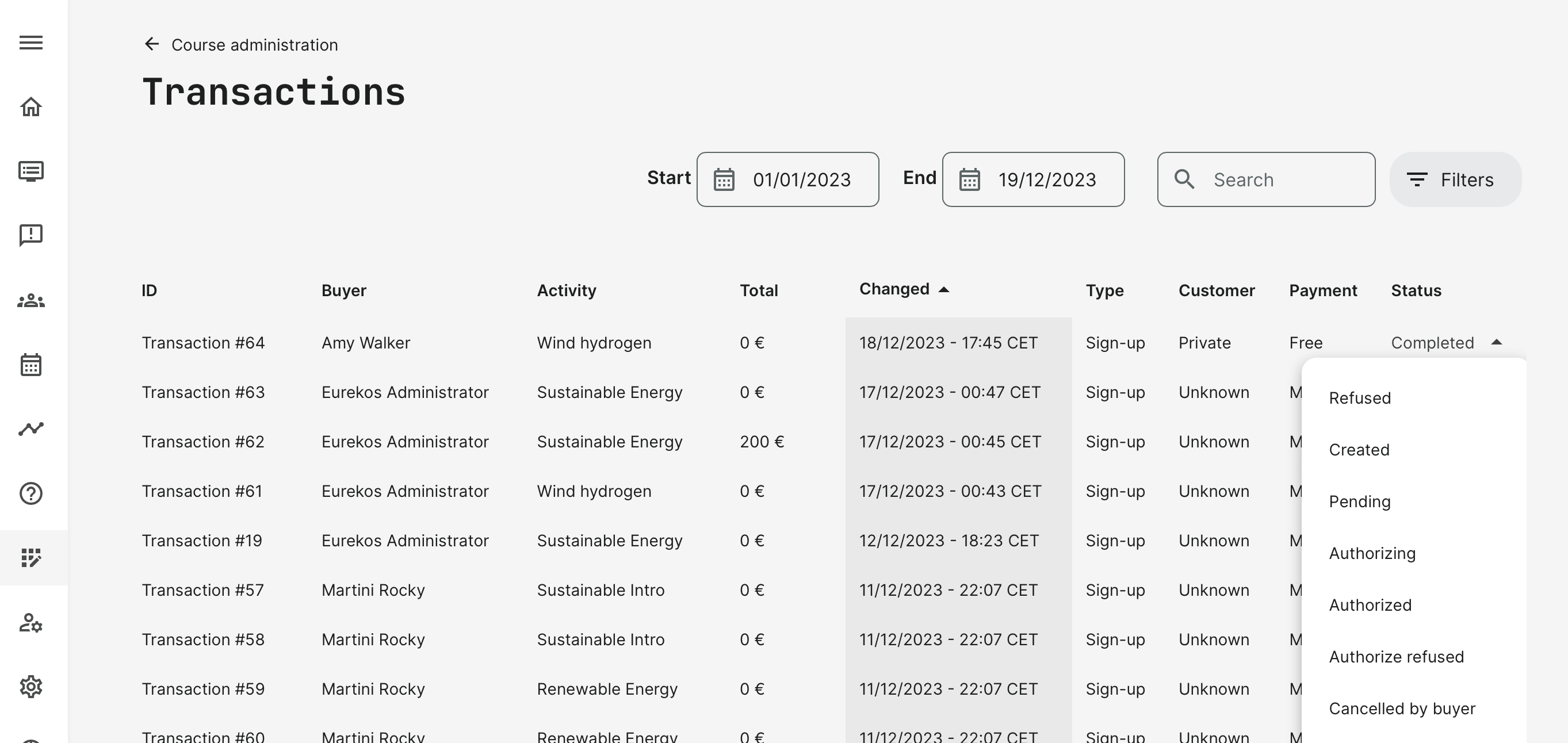
Transactions can be searched, filtered and restricted by dates in the list. Details of each transaction allows forensics, as needed - e.g., to follow up through a payment gate. There are multiple status codes for transactions:
- Created: this status is assigned at the moment the transaction is initiated and created in the database.
- Pending: this status is assigned to the transaction when no available seats in the training and the user have been added to the waiting list.
- Refused: this status is assigned to the transaction when the user’s signup in the training has been canceled by the administrator.
- Authorizing: initialization of payment has been started on the Payment provider. Authorizing places a hold on the customer's card for the funds. Relevant for Stripe, PayPal, Netaxept.
- Authorized: the payment has been authorized by the Payment provider. Relevant for Stripe, PayPal, Netaxept.
- Authorize refused: the Payment provider has refused the authorization of payment. This might happen for various reasons: currency is not supported, amount of payment is not allowed, integration with Payment provider is configured incorrectly, etc. Relevant for Stripe, PayPal, Netaxept.
- Canceled by the buyer: payment has been cancelled by the user. This status might be assigned to the transaction when a user cancels the payment on the Payment provider side (PayPal) before it was paid, or the user leaves the course manually while the training is in process.
- Executed: Obsolete and will be removed.
- Execute refused: Obsolete and will be removed.
- Capture pending: payment was authorized on the Payment provider and capturing the payment was started. This status might be assigned to the transaction when the merchant should approve the payment (e.g. in case the purchase was made with a different currency than allowed in the merchant's wallet). Relevant for PayPal.
- Captured: payment was successfully captured. Relevant for Stripe, PayPal, Netaxept.
- Capture refused: capture the payment failed due to some reason (e.g. payment was canceled by a merchant). Relevant for Stripe, PayPal, Netaxept.
- Completed: transaction has been completed successfully, and a signup for the user has been created in the training.
Transaction details
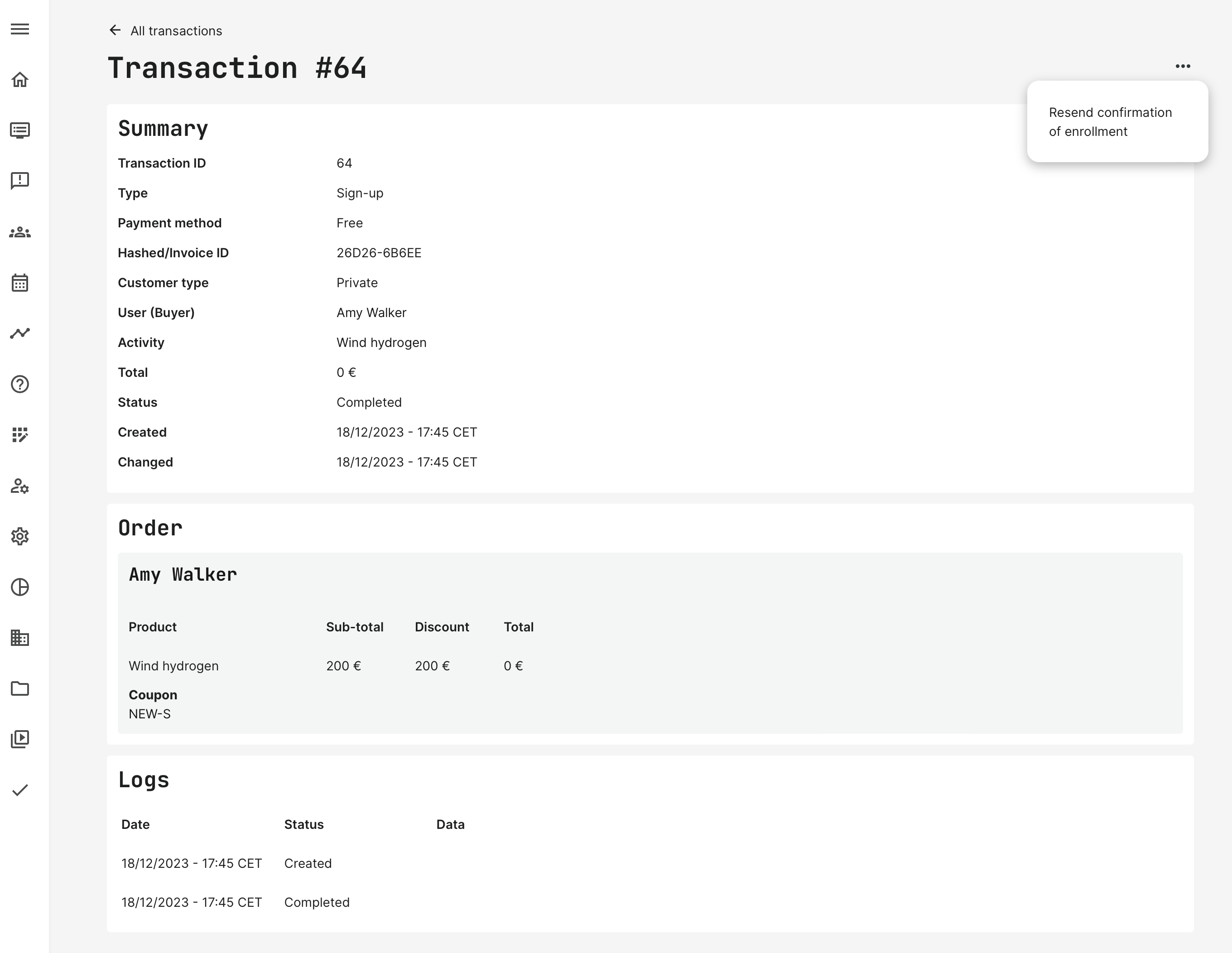
Shows all the transaction details and allows an administrator to resend the confirmation of enrollment.
Using a payment gate - e.g., Stripe, there will also be a Reference ID to identify the transaction with the payment gate. This is generated from the payment gate, following their structure of identification.
Transactions without any online payments, will not have this detail on the transaction.
Depending on integrations to a payment provider, there will also be a reference ID
- Transaction ID is a running number, unique and the internal ID.
- Hashed/Invoice ID is used for invoices/order confirmations and the format is 2 groups with 5 characters (upper case letters and numbers), e.g., A765F-KE4G3.
- Logs might show more details, if the transaction includes online payment through a payment gate.
API and transactions
Eurekos features an open API, which also includes the ability to access transactions. This is useful if you want to integrate to proprietary ERP and financial systems used by your own organization - e.g., to create invoices with appropriate and complex VAT rules, discounts and simply having everything in the same eco-system.