Additional Products - Article
Add optional or included products to training activities with separate pricing and multi-currency support, enabling upsell and clear value communication during enrollment.
Updated: 2 Mar 2026
2 min read
Offer Additional Products as optional or required purchases along with your training
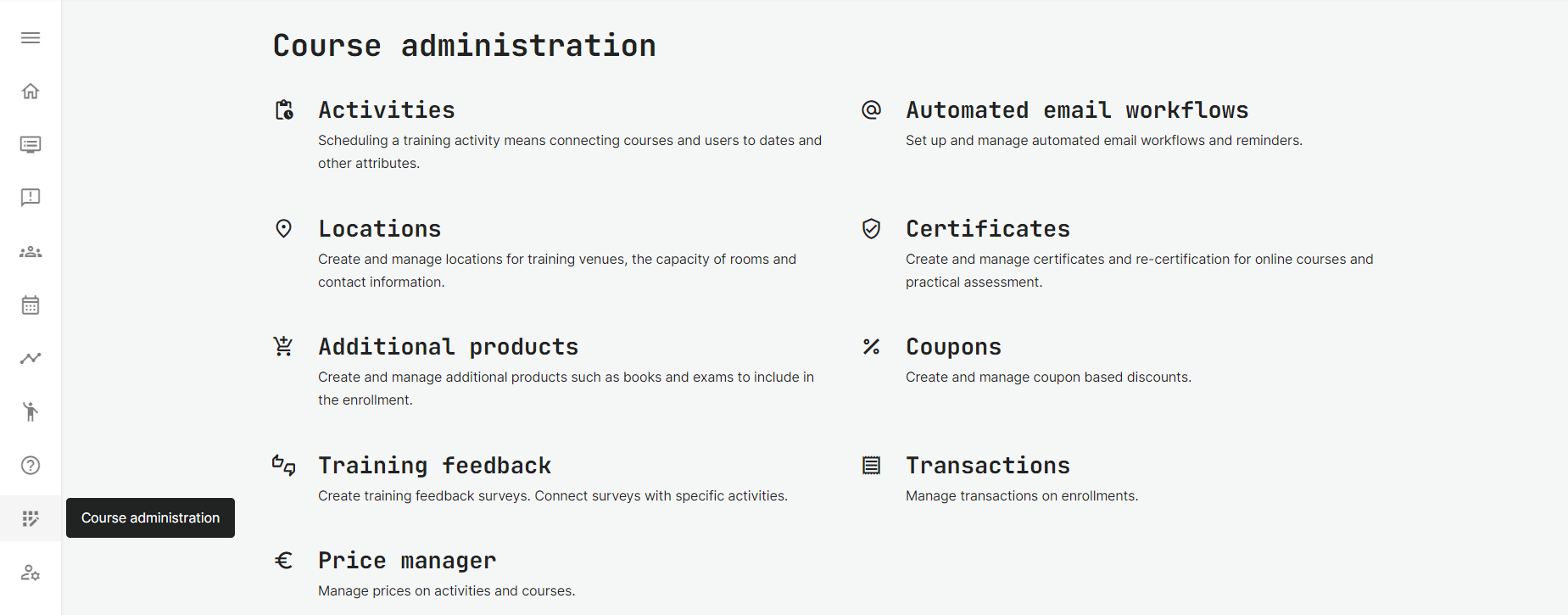
Find Additional Products in the Course Administration → Additional Products tab.
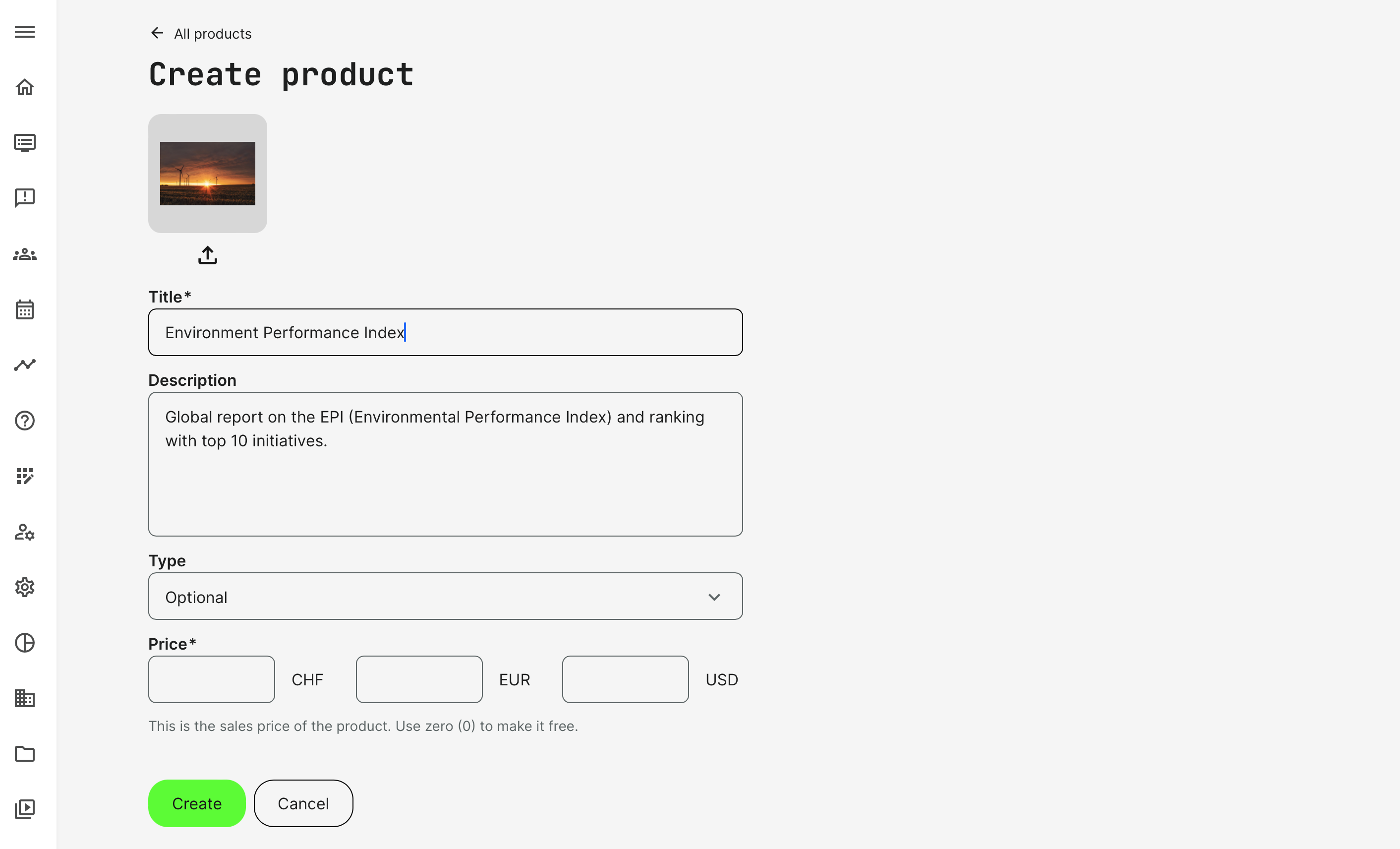
- Create a new product and make a description to accompany the option. This could be manuals, exams, tools and other resources, that are physical or digital. The criteria is that you want to make sure this is priced separately. And made visible that a prospect is aware of this value added option.
- Included means that it is already included in the price, representing the added value a prospect is really getting. This is about awareness of the good deal.
- Optional means that this is an option, but at extra cost. The participant will be able to purchase the option, even after enrolling to the training.
- Add an image to clearly represent the product where it is available.
- Set a price in multiple currencies, if this is applicable. And use the Price Manager to update all your products for convenience. Prices can also be set as Virtual Credits, if these are enabled as a payment option.
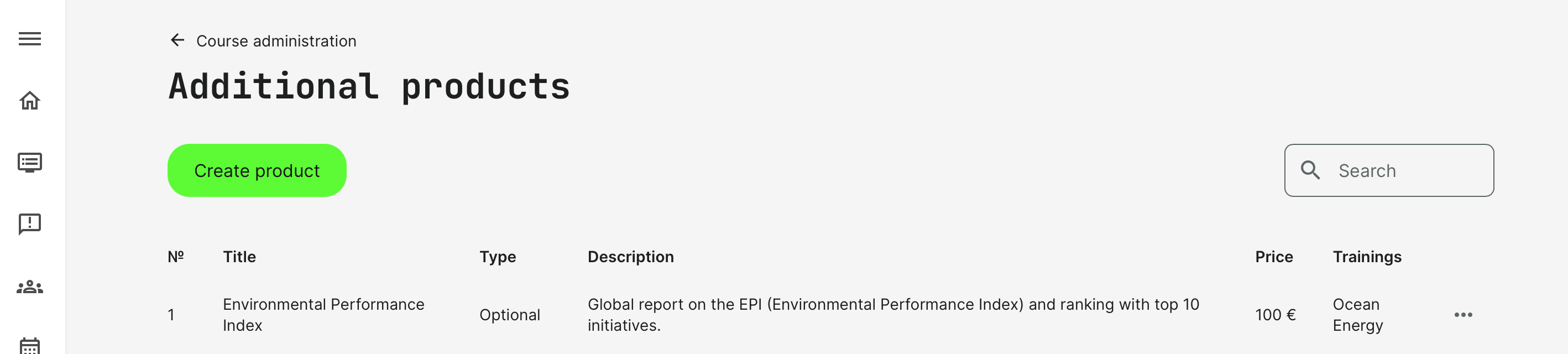
List of Additional Products
Products are listed in the overview with information of type and descriptions to identify them easily, at a glance.
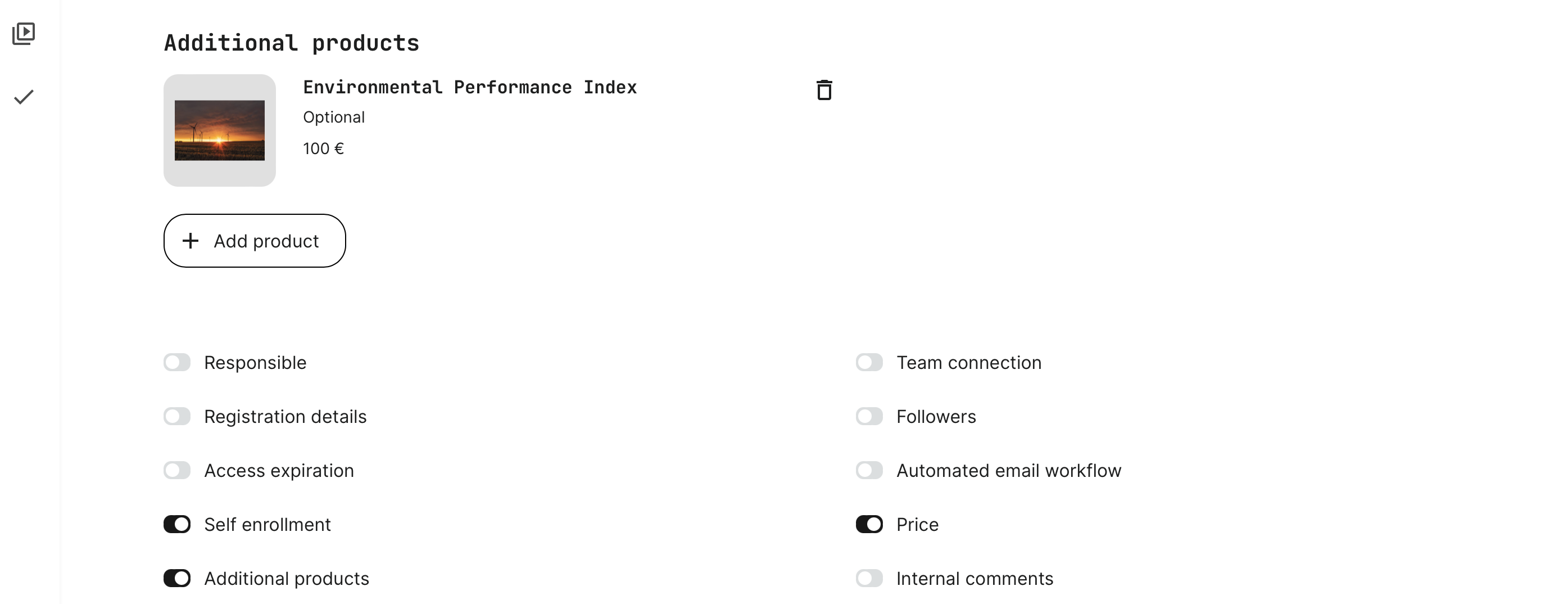
Connect Additional Products to the Training Activity
Additional Products is a feature on the Training Activity. Once the option is enabled, one or multiple additional products can be added.
- Additional Products can be added to any Training Activity.
- The number of products or their types and prices are not limited.
Purchase processes with Additional Products
Multiple different cases are supported for both individuals, managers, options purchase after enrollment and on behalf of others, as is the case for Managers, for example.
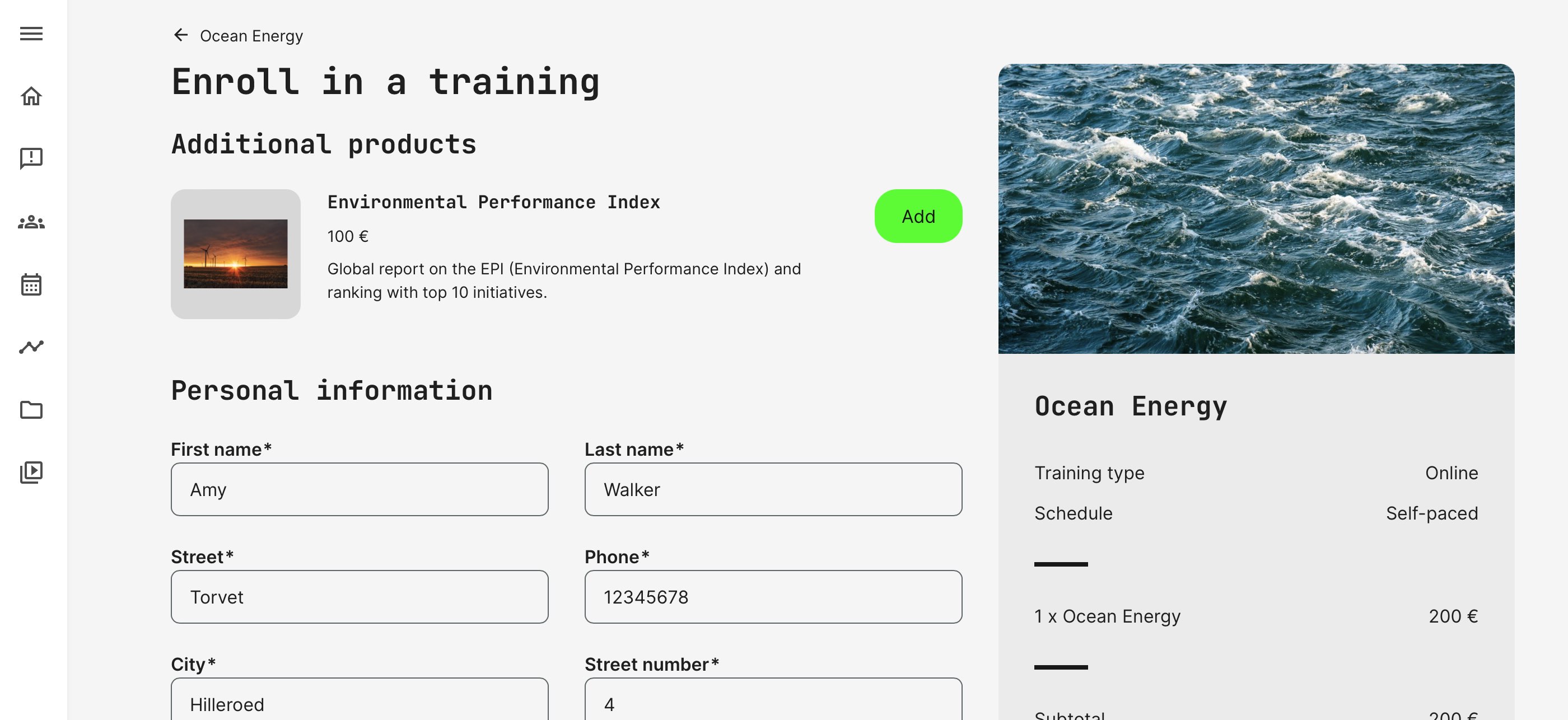
- Additional Products appear on a checkout page when the user enrolls to a training. Use this to present additional resources, even if they are free.
- Included products appear while the user enrolls in the training and are not optional.
- Optional products can be purchased during the enrollment process or later, at any point from the training pages.
- The Manager and Immediate manager can make a purchase for the people they supervise. This includes additional products as well.
- Additional products will be included in VAT calculations, as applicable.
- Organizational discounts are deducted on an activity price only, it does not impact the price of the additional product.
- Coupon discounts are deducted on an activity price only, it does not impact the price of the additional product.